Your clipboard has a memory now.
The clipboard manager macOS forgot to build. Every copy, instantly recalled.
Free 7-day trial — no credit card required.
← Swipe or scroll to see more →
Sound familiar?
How many times have you lost a paste?
Overwritten & Gone
You copy something new and the old text you needed is just... gone. macOS only remembers one thing at a time.
The Back-and-Forth
Switching between apps to re-copy something you already had. Interrupting your flow every single time.
Forgot What You Copied
Was it the API key or the URL? You have no idea what's on your clipboard without pasting it somewhere first.
Switched from Windows?
Windows has had built-in clipboard history (Win + V) since 2018. macOS doesn't. Clipboard History fixes that — just press ⌘ ⇧ V from anywhere. Plus, we added pinning, image support, and search on top.
Everything you need
Built for speed. Designed for your flow.
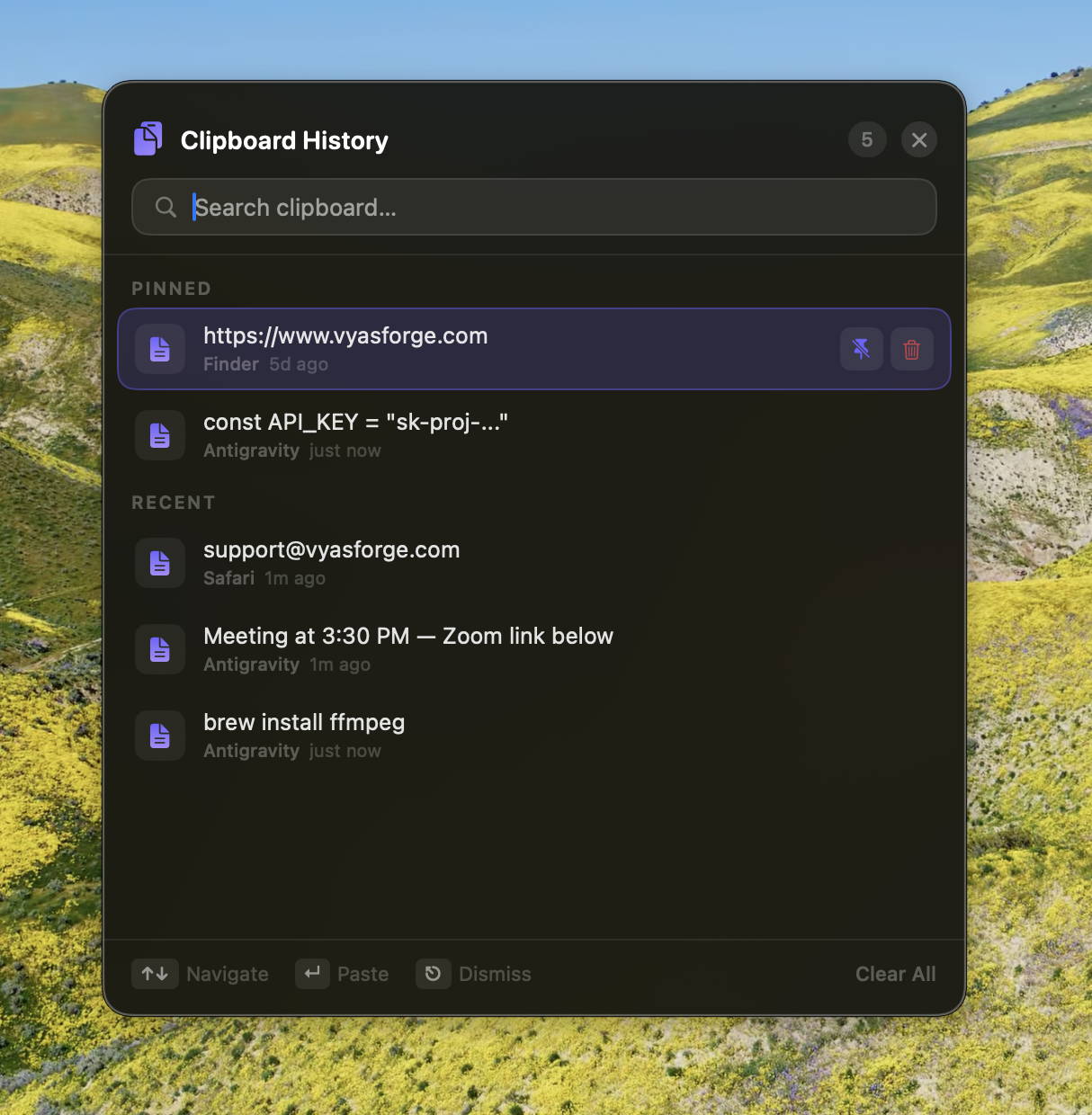
A panel that feels like it belongs on macOS. Keyboard-first, distraction-free, always within reach.
Instant Recall
Hit your custom hotkey and every copy you've made appears instantly — searchable in milliseconds.
Pin Important Clips
Keep frequently used snippets pinned at the top. Code snippets, addresses, passwords — always within reach.
Search as You Type
Live fuzzy search across your entire clipboard history. Find any copied text in one keystroke.
Images Included
Not just text — images you copy are captured and previewable right in the panel.
Keyboard First
Navigate with ↑↓ arrows, paste with Return, close with Escape. Zero mouse required. Pure speed.
Stays on Your Mac
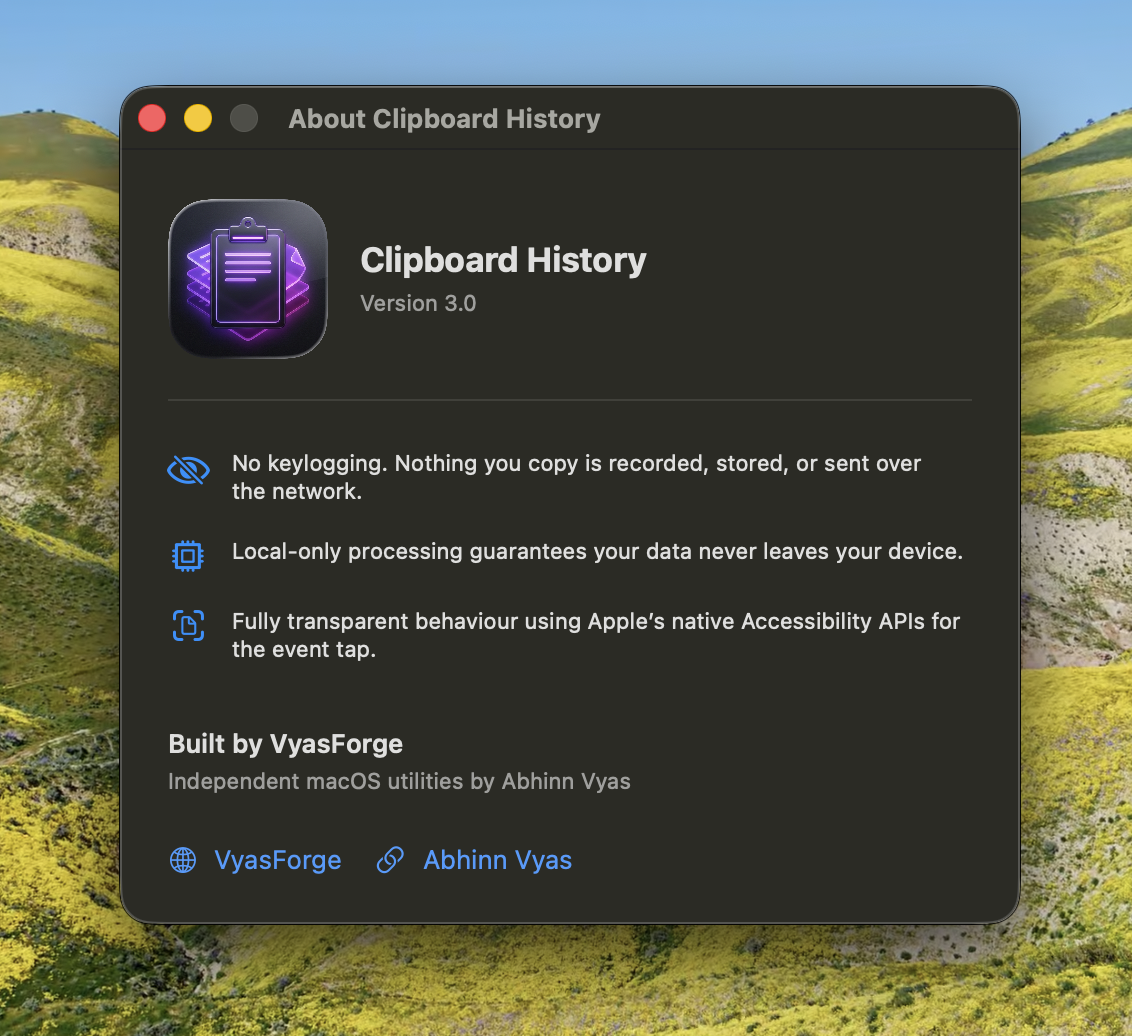
Zero cloud sync. Zero analytics. Your clipboard data never leaves your machine. Private by design.
How it works
Three steps. That's it.
Clipboard History is completely automatic. You just use your Mac normally.
- 1Copy anything as usual — Clipboard History captures it silently in the background.
- 2Press your custom hotkey to open the history panel from anywhere on your Mac.
- 3Navigate with ↑↓, press Return to paste instantly into any app.
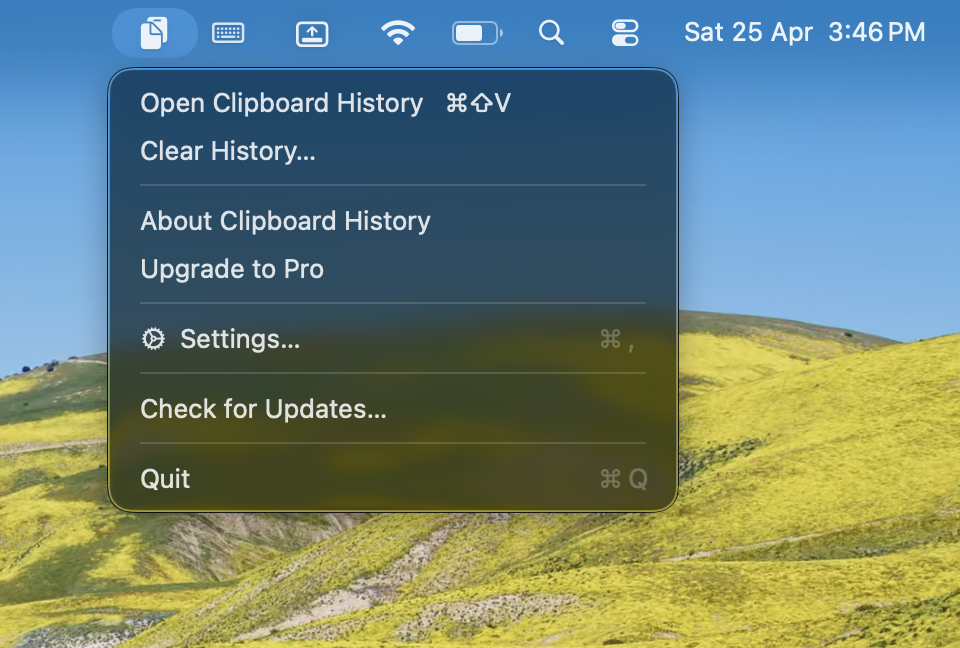
Always running quietly in your menu bar
Simple Pricing.
Start free. Upgrade when you're ready.
Free Trial
7 days — no credit card
Download Free✓ Full clipboard history
✓ Pinning & search
✓ Image support
Lifetime
✓ Everything in Free
✓ Unlimited history
✓ Own it forever
✓ Free lifetime updates
Frequently Asked Questions
Does it run in the background?
Yes, Clipboard History runs quietly as a menu bar app. It uses virtually no CPU or RAM — you'll never notice it's there until you need it.
Is this like Windows + V?
Exactly. Windows has had built-in clipboard history since 2018. Clipboard History brings that same power to macOS — and adds pinning, image support, and keyboard-first navigation on top.
Will it slow down my Mac?
No. It's a native SwiftUI app built specifically for macOS. It is lightweight by design and has no measurable impact on system performance.
Is my clipboard data stored in the cloud?
Never. Everything is stored locally on your Mac. No accounts, no cloud sync, no telemetry. Your clipboard is private.
What happens after the trial ends?
After 7 days, the panel will require a one-time ₹499 license to continue. Your clipboard history is preserved — it's waiting for you.
Does it work with images?
Yes! When you copy an image, Clipboard History captures it. You can preview images directly in the panel before pasting.
Never lose a paste again.
Download Clipboard History (Free Trial)Works on all modern Macs.
Intel and Apple Silicon supported.