 1#1 Product of the Day on Buildlist
Clean your keyboard. Safely.
Instantly lock your Mac's keyboard so you can clean it without accidental typing or rogue commands.
Free trial included — use Keyboard Cleaner up to 5 times before purchasing.
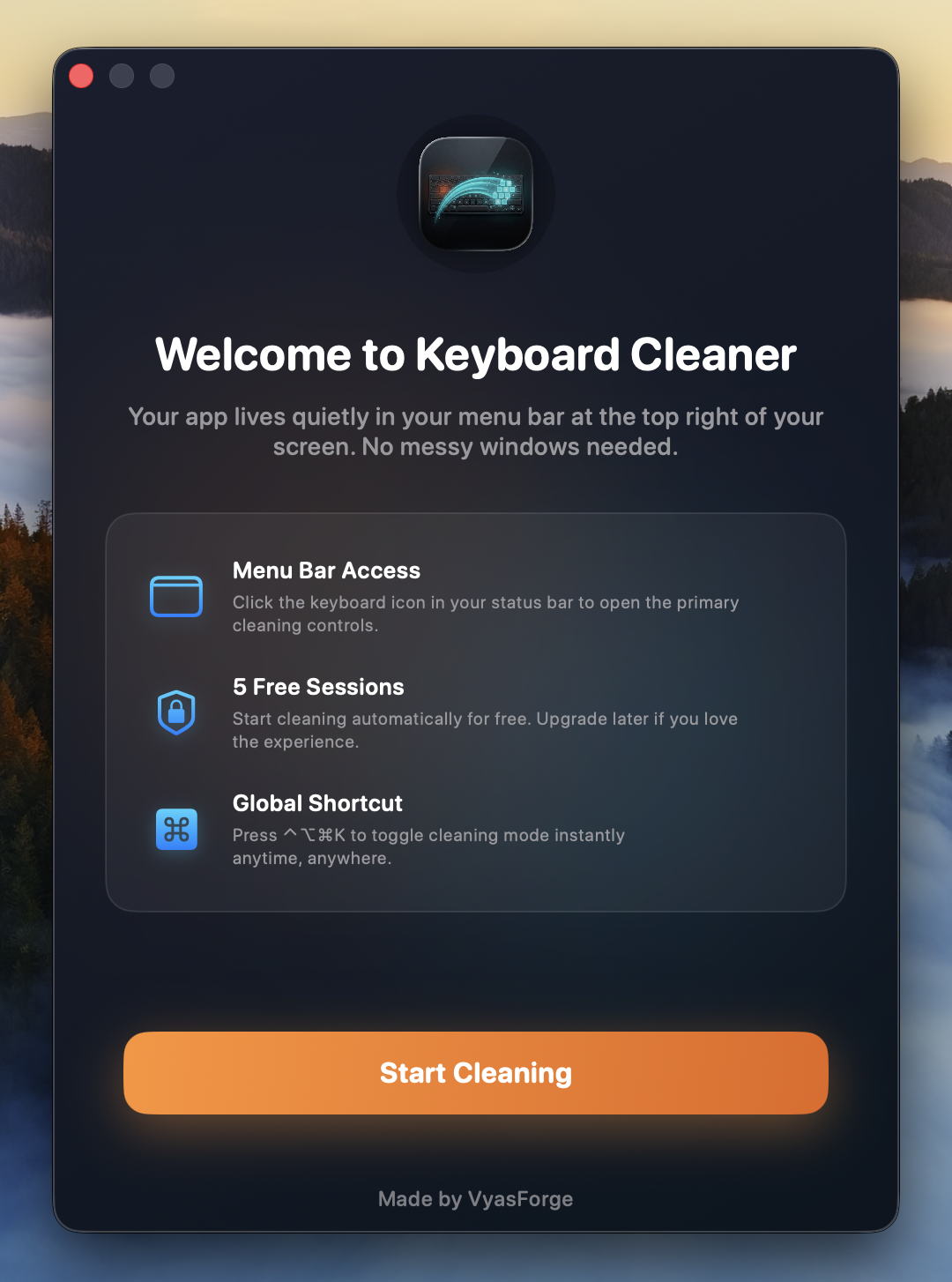
What you see on first launch
Up and running in seconds.
No setup. No configuration. One click from your menu bar and you're in cleaning mode.
The Frustration of Cleaning.
Accidental Clicks
Keys get pressed accidentally, causing unwanted actions while you wipe the dust.
Random Windows
Music starts playing or applications open simply by brushing across the keyboard.
Workflow Disrupted
Commands trigger unexpectedly, forcing you to shut down your Mac just to clean it safely.
The Elegant Solution.
One click from your menu bar disables the keyboard. Press Control + Option + Command + K when you're done. It's that simple.
- ✓Instant keyboard lock
- ✓Clean safely without typing
- ✓Press Control + Option + Command + K to unlock
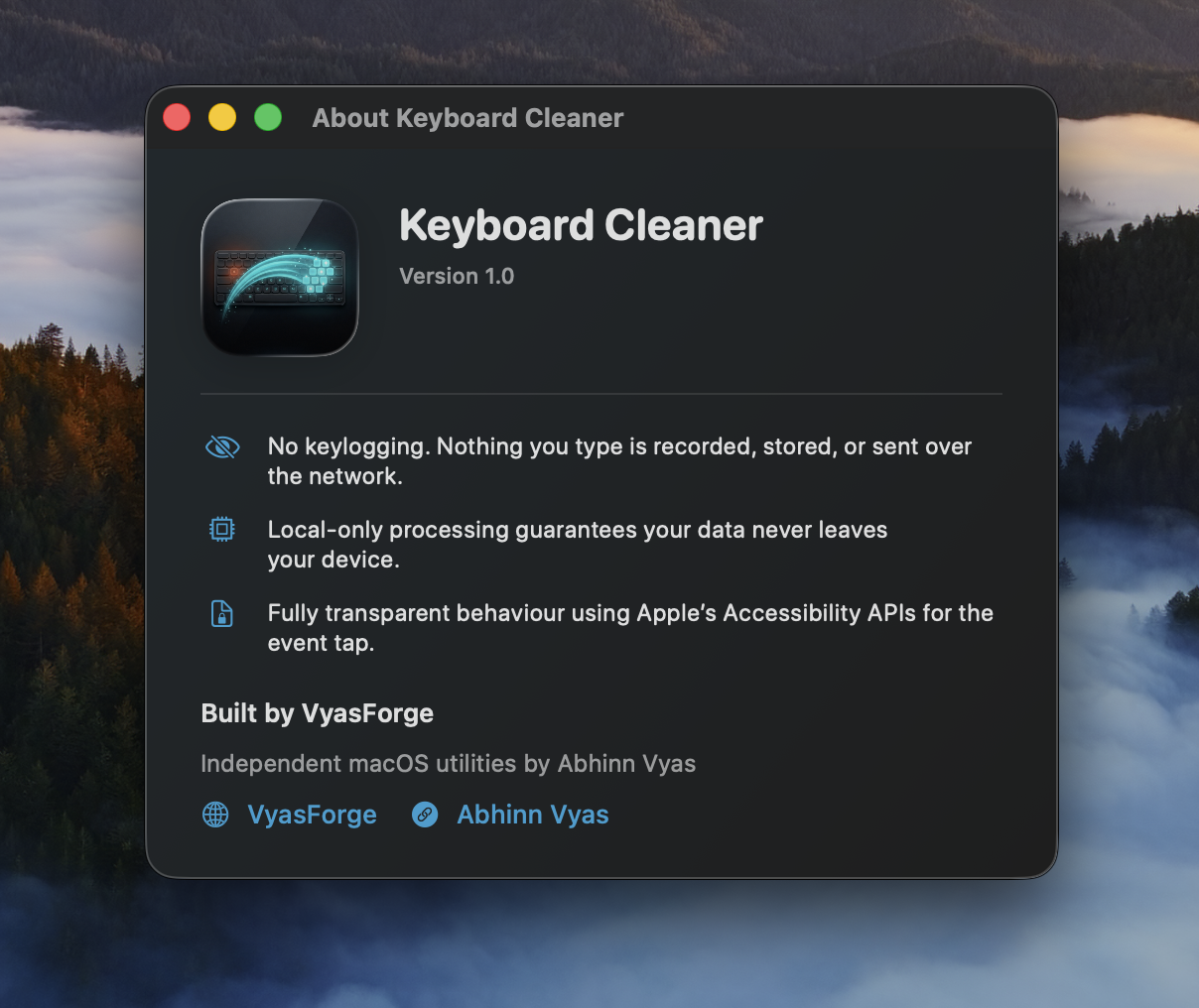
Privacy first
Nothing leaves your Mac.
Keyboard Cleaner is a local-only utility. No keylogging, no data collection, no network calls.
Simple Pricing.
Start with a free trial. Upgrade when you're ready.
Free
No credit card required
Download Free✓ 5 free cleaning sessions
✓ Menu bar access
✓ Global shortcut
Lifetime
✓ Unlimited cleaning sessions
✓ Own it forever.
✓ Free lifetime updates included.
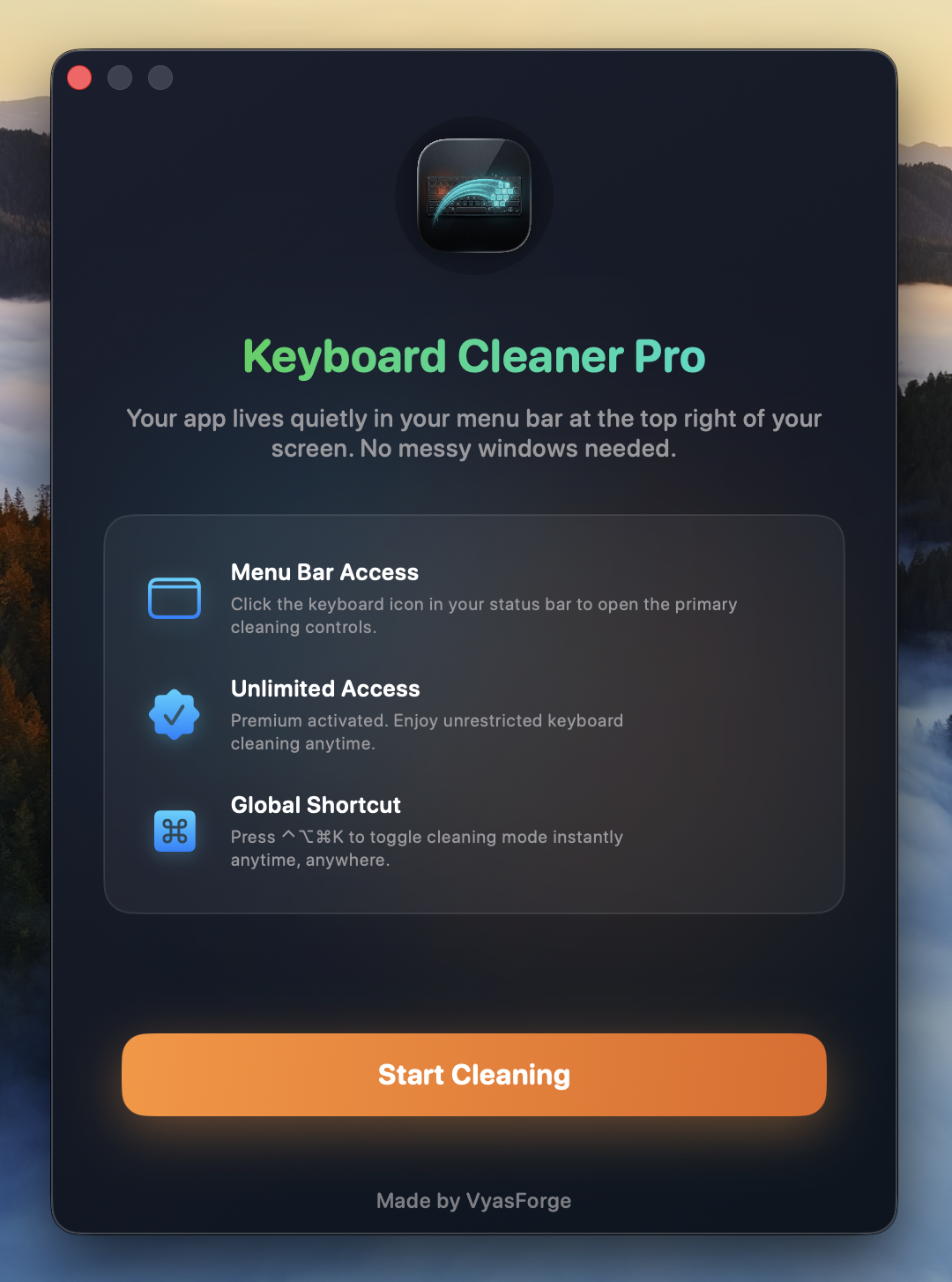
✓ Unlock Keyboard Cleaner Pro.
What gets unlocked
Frequently Asked Questions
Does it work on all Macs?
Yes, Keyboard Cleaner supports all modern macOS versions, including Intel and Apple Silicon Macs.
Is my keyboard permanently disabled?
Absolutely not. It intercepts keystrokes only while the cleaning mode is active. You are always in control.
Can I exit cleaning mode anytime?
Yes! Just press Control + Option + Command + K to safely exit the lockdown immediately.
Does the Lifetime plan include updates?
Yes. Lifetime license holders receive free updates to every future version of Keyboard Cleaner, forever. No subscriptions, no renewal fees.
Is it safe? Does it log my keystrokes?
No keylogging, ever. Keyboard Cleaner is a local-only utility. Nothing you type is recorded, stored, or sent over the network. It uses Apple's Accessibility APIs purely to intercept keyboard events during cleaning mode.
Know someone who loves a clean keyboard?
Sharing the app with other Mac users helps support indie developers build tools just like this one.
Clean your keyboard the right way.
Download Keyboard Cleaner (Free Trial)Works on all modern Macs.
Intel and Apple Silicon supported.